Freeze Every Frame You Love

Turn Video Moments
into Timeless Images

We often discover moments worth keeping in our videos only after the fact. FrameEcho lets you extract any frame from a video and save it with its metadata intact.

Release Notes

Completely Free · Privacy Protected

FrameEcho app icon

High-Quality Export

🎬

Motion Photo

Simple, Yet Just Right

From opening a video to saving a photo, everything feels natural.

Frame-Accurate Seeking

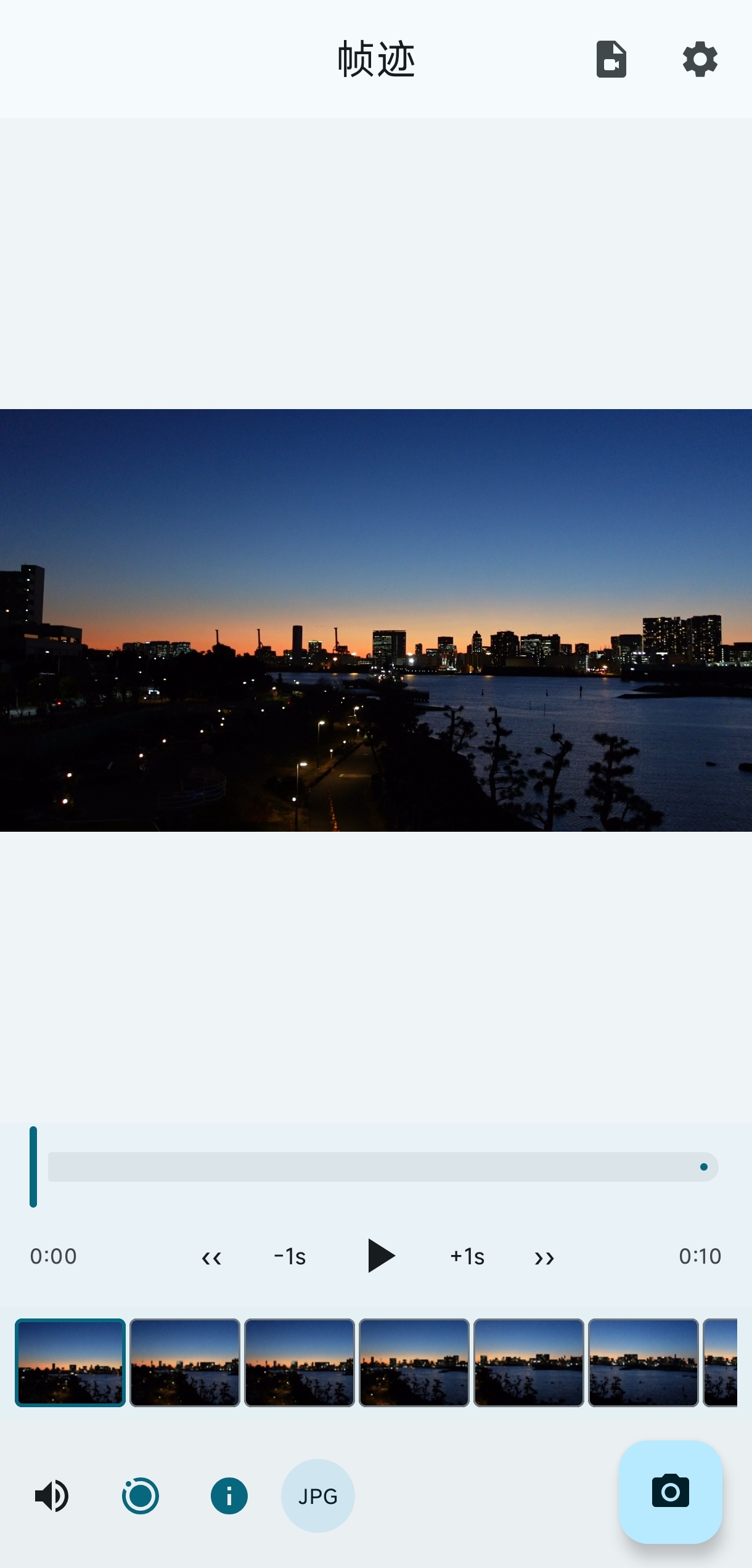
The timeline loads thumbnails on demand and the player supports real-time drag preview, making it straightforward to land on the exact frame before exporting.

Live Motion Photos

Not just still images — save as a Motion Photo (Live Photo) with one tap. Long-press and it comes alive again.

Quality & Metadata Preservation

Supports HDR / Dolby Vision tone mapping. Full EXIF data (capture time, GPS, device info, etc.) is read from the source video and written to the exported image.

SCREENSHOTS

A Look Inside

Import a video, land on the frame, export it. Three steps.

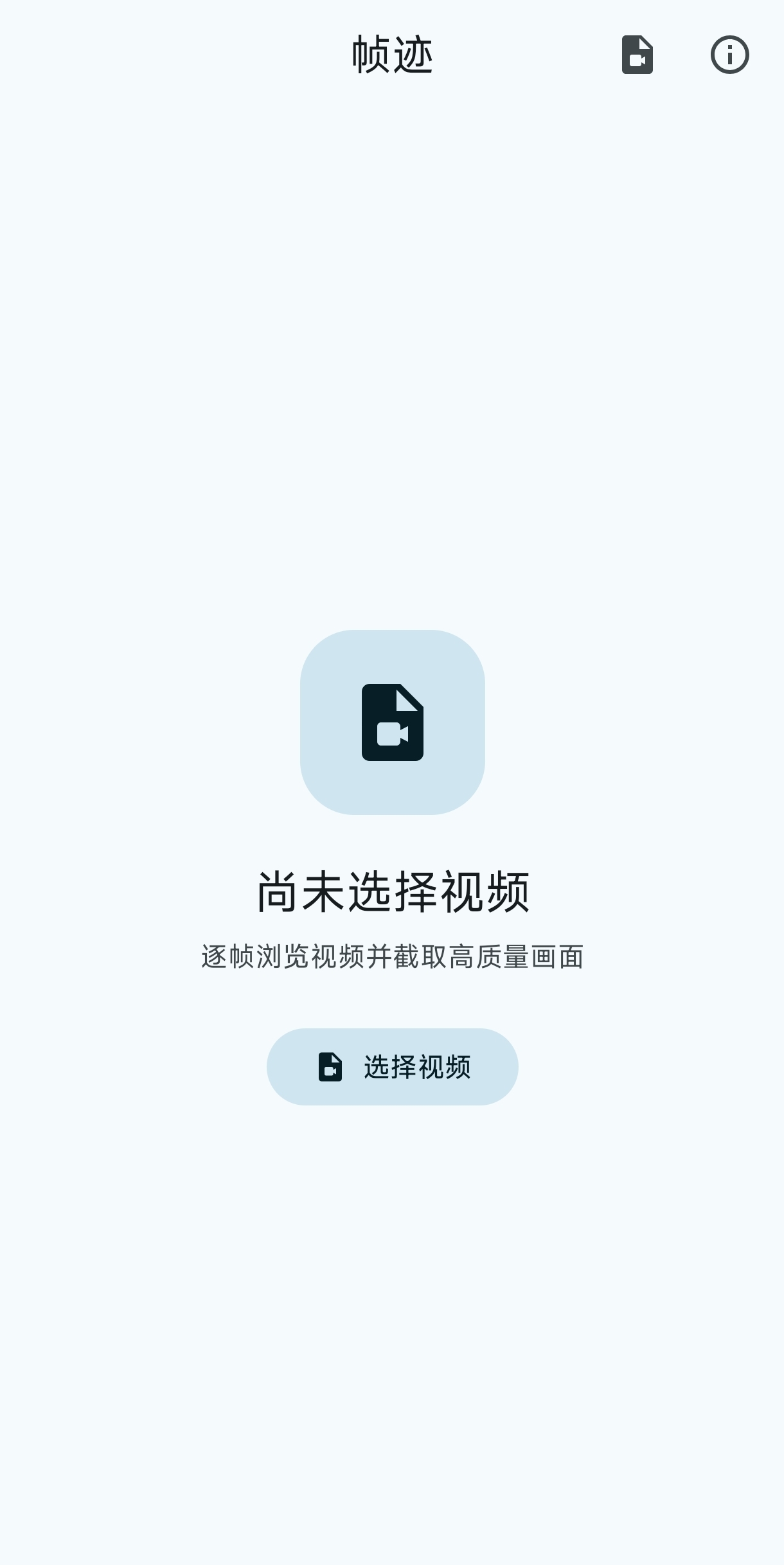
FrameEcho home screen: pick a video to start
Pick a video, start right away
FrameEcho player: timeline thumbnails and frame stepping
Scrub the timeline, frame by frame
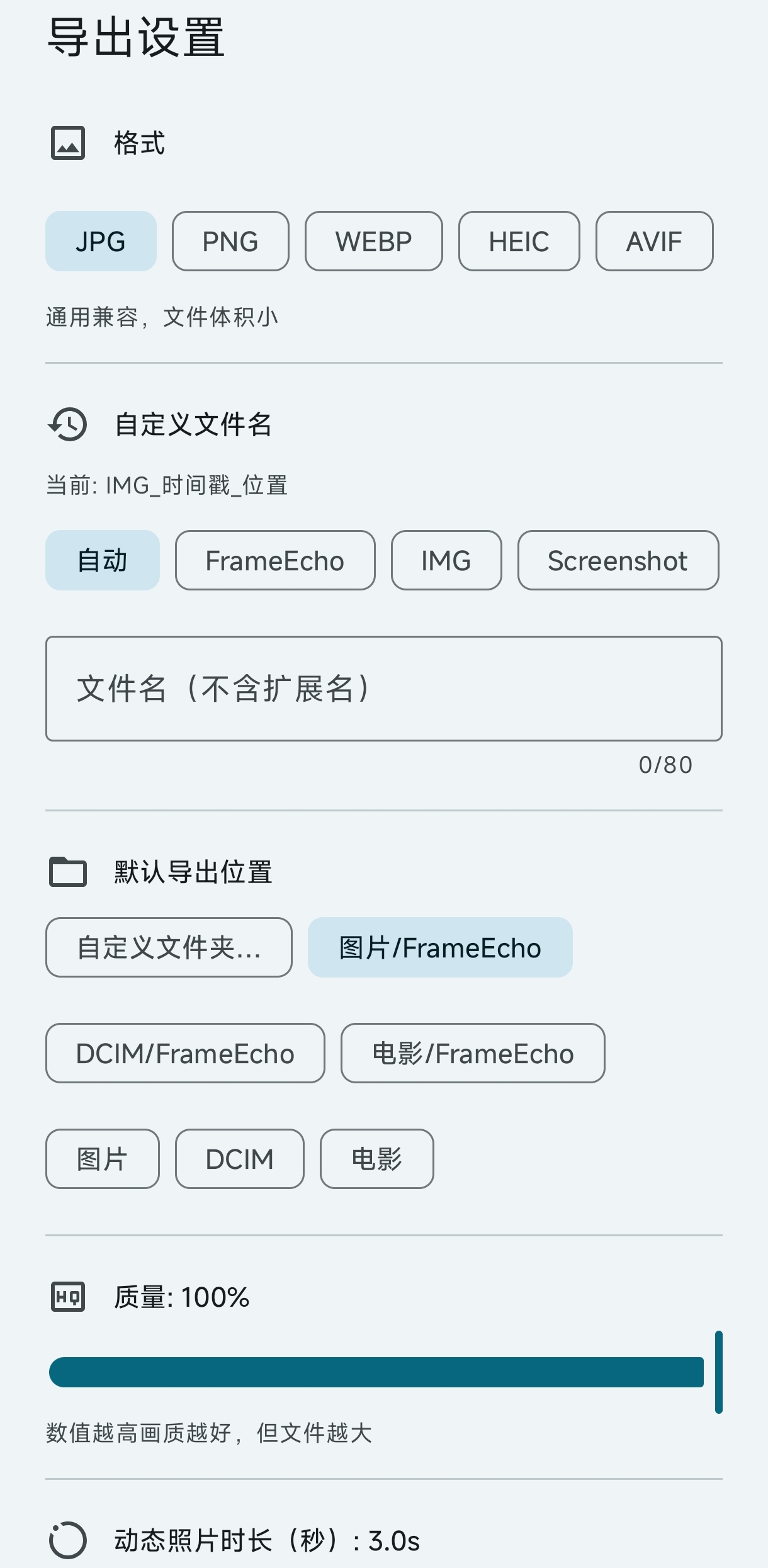
FrameEcho export settings: format, quality and metadata options
Export exactly how you want
FOR DEVELOPERS

Transparent Open Source

No hidden code — developers are welcome to build together.

Explore the Code

Built with Jetpack Compose. Covers frame-accurate extraction (OPTION_CLOSEST), Google MicroVideo motion photo spec, HDR tone mapping, and EXIF metadata read/write.

Visit GitHub Repository